

If you’ve ever been met with a web of filament like cotton candy during a 3D print, you’ve experienced stringing. But before you toss that project out the window (or into the recycling bin), let’s jump into what really causes this pesky problem. Stringing can turn a quality print into a gooey mess faster than a 3D printer can spool filament. Fear not, though. Understanding stringing will not only help you tackle your current project but will elevate your 3D printing game to new heights. Buckle up as we unravel this sticky situation.
Understanding Stringing Issues
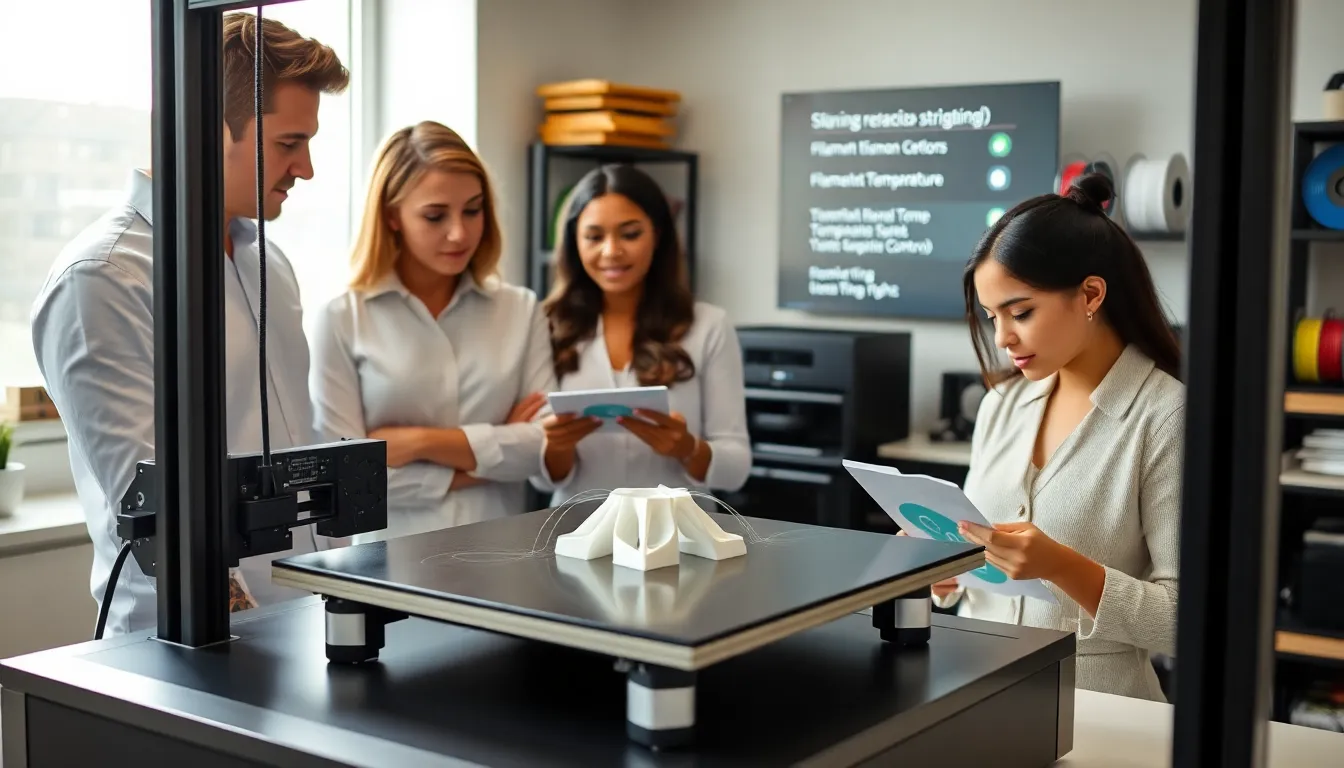
Stringing is a common issue faced by 3D printing enthusiasts and professionals alike. It manifests as fine strands of filament that connect different parts of a print. This phenomenon often occurs while the print head moves from one spot to another without printing. Imagine it like a spider spinning a web, only in this case, the spider is your 3D printer and the web is a mess waiting to happen. Understanding the underlying mechanics of stringing is key to effectively tackling it.
When a printer moves from one location to another without retracting the filament, the melted plastic can ooze out, creating those unsightly strings. These threads can be thin and almost invisible but can significantly impact the print’s aesthetic and function. This issue is more pronounced in certain materials, making it vital for a 3D printing aficionado to grasp the what, why, and how of stringing.
Common Causes of Stringing
Several factors contribute to stringing in 3D printing, and becoming aware of them is the first step toward resolution. Here are some common culprits:
1. Temperature Settings
Temperature plays a critical role in the printing process. If the nozzle temperature is set too high, the filament will become excessively fluid, leading to more stringing. Conversely, if it’s too low, the filament may not extrude properly, resulting in other issues. Finding that sweet spot often requires some trial and error, but learning this firsthand brings invaluable insight.
2. Retraction Settings
Retraction is the process where the filament is pulled back slightly to prevent oozing. If the retraction distance is too short or the speed is too low, filament can still ooze out during travel movements. Fine-tuning these settings is essential. Every printer and filament type is different, so what works for one setup may not work for another.
3. Print Speed and Travel Movements
The speed at which the printer moves can also affect stringing. High print and travel speeds often lead to more strings appearing, as there’s less time for the filament to retract fully before moving to the next position. The goal is to balance speed with quality. If your prints finish too quickly but look like a spaghetti mess, it might be time to slow things down a bit.
4. Filament Properties
Not all filaments are created equal. Different materials behave differently when melted and extruded. Some filaments like PLA are notorious for stringing while others like PETG can be more forgiving. Understanding the properties of the filament in use is vital in preventing stringing, as some are designed specifically for reducing this issue.
5. Nozzle and Extruder Conditions
A clogged nozzle or issues with the extruder can also lead to stringing. If the nozzle tip has accumulated leftover plastic from previous prints, it can cause erratic extrusion, leading to unexpected strings. Regular maintenance and cleaning help keep the nozzle operating effectively, warding off stray strands before they occur.
Preventive Measures for Stringing
Fortunately, many preventive measures can help minimize stringing, making your prints much cleaner and more professional. Here are some practical tips:
1. Fine-Tuning Retraction Settings
Experiment with different retraction distances and speeds. Many slicers allow you to adjust these settings on a per-filament basis, so be sure to tweak them as needed. A good practice is to start with standard retraction settings and adjust them based on your results.
2. Adjusting Temperature Settings
Lowering the nozzle temperature can significantly decrease stringing, especially if you notice excessive oozing. Conducting temperature tests with your filament can help you determine the optimal printing range that balances performance and quality.
3. Optimizing Travel Paths
If your slicer allows for it, make sure the travel paths are optimized. This can reduce the distance the print head travels while not printing, cutting down on the chances for stringing. Slicing software often includes options that prioritize travel movements without crossing printed parts, which is ideal for minimizing stringing.
4. Experimenting with Different Filaments
When in doubt, try a filament specifically made with anti-stringing properties. These materials often feature unique additives that inhibit stringing while maintaining print quality and strength. It may cost a little more, but the savings on failed prints can easily justify the expense.

