

When diving into the intriguing realm of 3D printing, deciding on the right software can feel like trying to pick the right flavor at an ice cream shop – overwhelming and deliciously complex. With options ranging from intricate design tools to simple slicing software, the choices seem endless. But, selecting the right software isn’t just about what looks good in a demo: it’s about what serves your unique 3D printing needs. Grab your virtual toolkit, and let’s explore the digital landscape together.
Understanding 3D Printing Software
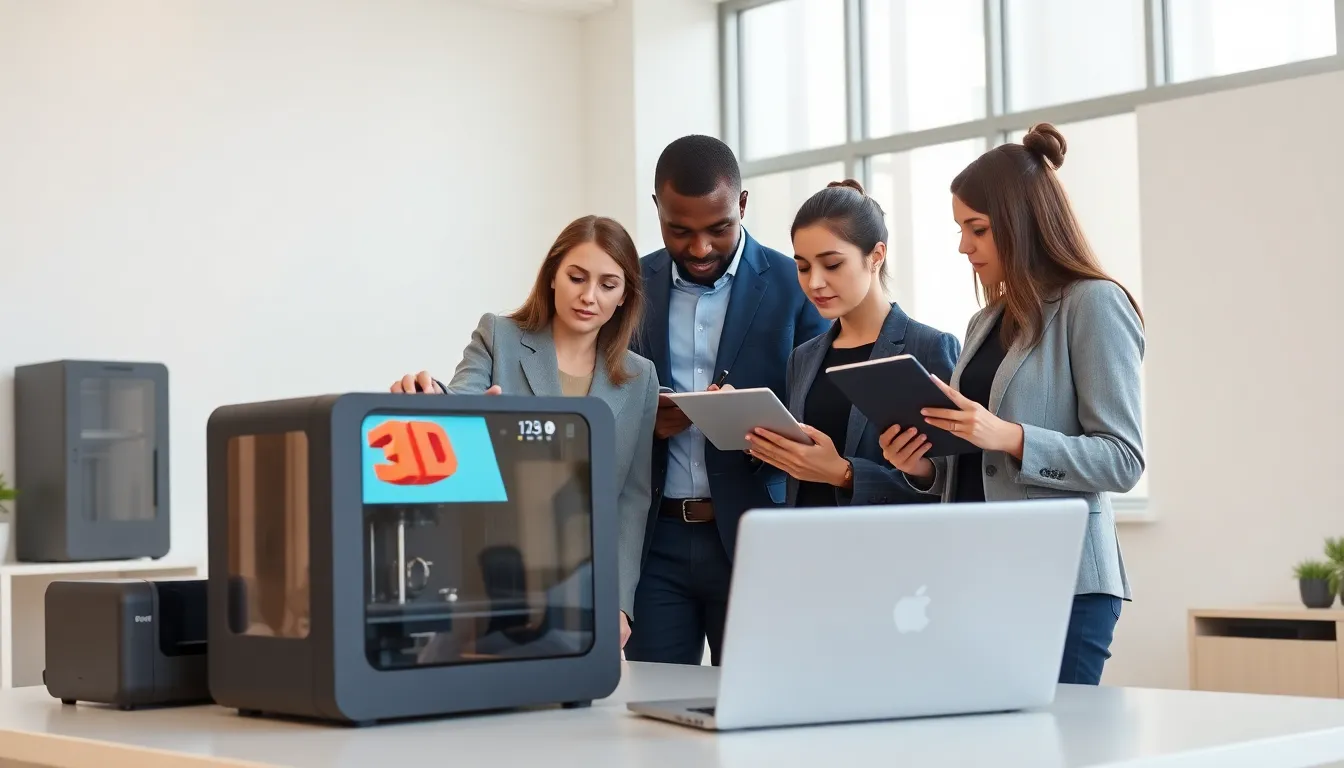
3D printing software is essential in transforming digital designs into tangible objects. Think of it as translating a recipe into a meal. First, there’s the design stage where you create or modify a 3D model. Then, you prepare the model for printing, which involves slicing it into manageable pieces for the printer to comprehend. Without this software, turning imagination into reality would be a daunting, if not impossible, task. Both novice hobbyists and professional designers rely on these tools, making them pivotal in the 3D printing ecosystem.
Types of 3D Printing Software
Different software serve various functions in the 3D printing process. Understanding these categories can help in making an informed choice.
1. CAD Software
Computer-Aided Design (CAD) software is where the design journey begins. These tools allow users to create detailed 3D models from scratch or modify existing ones. Popular options include AutoCAD and SolidWorks, catering to both industrial applications and hobbyist needs. They offer a fresh canvas for innovation and creativity.
2. Slicing Software
Once a 3D model is complete, it requires slicing software to prepare for printing. This software converts the model into thin horizontal layers and generates the G-code, which tells the printer how to create each layer. Popular slicing programs like Ultimaker Cura and PrusaSlicer are user-friendly and widely used across various printing technologies.
3. 3D Modeling Software
For those who enjoy crafting detailed designs, specialized 3D modeling software like Blender and SketchUp are fantastic choices. These platforms provide robust features for creating intricate models, from simple geometric shapes to complex sculptures.
Choosing the Right Software for Your Needs
Selecting the right software can be a game-changer in your 3D printing journey. Several factors must be considered to ensure compatibility and usability.
Factors to Consider
First off, consider what you actually need. Are you a beginner or a seasoned pro? Is your project simple or complex? Answering these questions guides the software selection process.
User Skill Level
Beginners might prefer user-friendly software like Tinkercad that offers an intuitive interface. In contrast, experienced users can harness the powerful features found in software like Fusion 360.
Project Complexity
Next, think about project complexity. For straightforward designs, a basic CAD tool might suffice. But, complex projects often require advanced modeling tools that offer more control and detail.
Material Compatibility
Finally, consider the materials you plan to work with. Some software is better suited for specific materials than others, influencing print quality and outcome.
Popular Software Options
Navigating the vast territory of 3D printing software can be daunting. Here are some popular options that cater to a range of needs and skill levels:
1. Tinkercad
Ideal for beginners, Tinkercad is web-based and offers a simple user interface. It’s a perfect starting point for those new to 3D modeling.
2. Fusion 360
For those seeking a balance between power and usability, Fusion 360 brings advanced design capabilities within reach. Its cloud-based features enable easy collaboration.
3. Ultimaker Cura
This slicing software is renowned for its reliability and ease of use. It supports various printer types, making it a go-to solution for many.
4. Blender
Blender is a favorite among advanced users for its extensive modeling features. It’s open-source and continually updated, providing a flexible solution for complex designs.
5. Simplify3D
A premium slicing software, Simplify3D offers advanced control over print settings, ideal for those serious about fine-tuning their printing process.
Best Practices for Using 3D Printing Software
Understanding how to maximize the capabilities of 3D printing software can enhance the entire printing experience. Here are a few best practices to keep in mind:
Keeping Software Updated
Always make sure your software is updated to the latest version. Developers continuously improve features, fix bugs, and enhance compatibility. An outdated program can lead to problems down the line, both in design and print quality.
Learning Resources and Community Support
Online resources can be incredibly helpful. Engaging with community forums, user tutorials, and webinars can vastly improve skills and knowledge. The 3D printing community is robust and offers plenty of support for users of all levels.

